
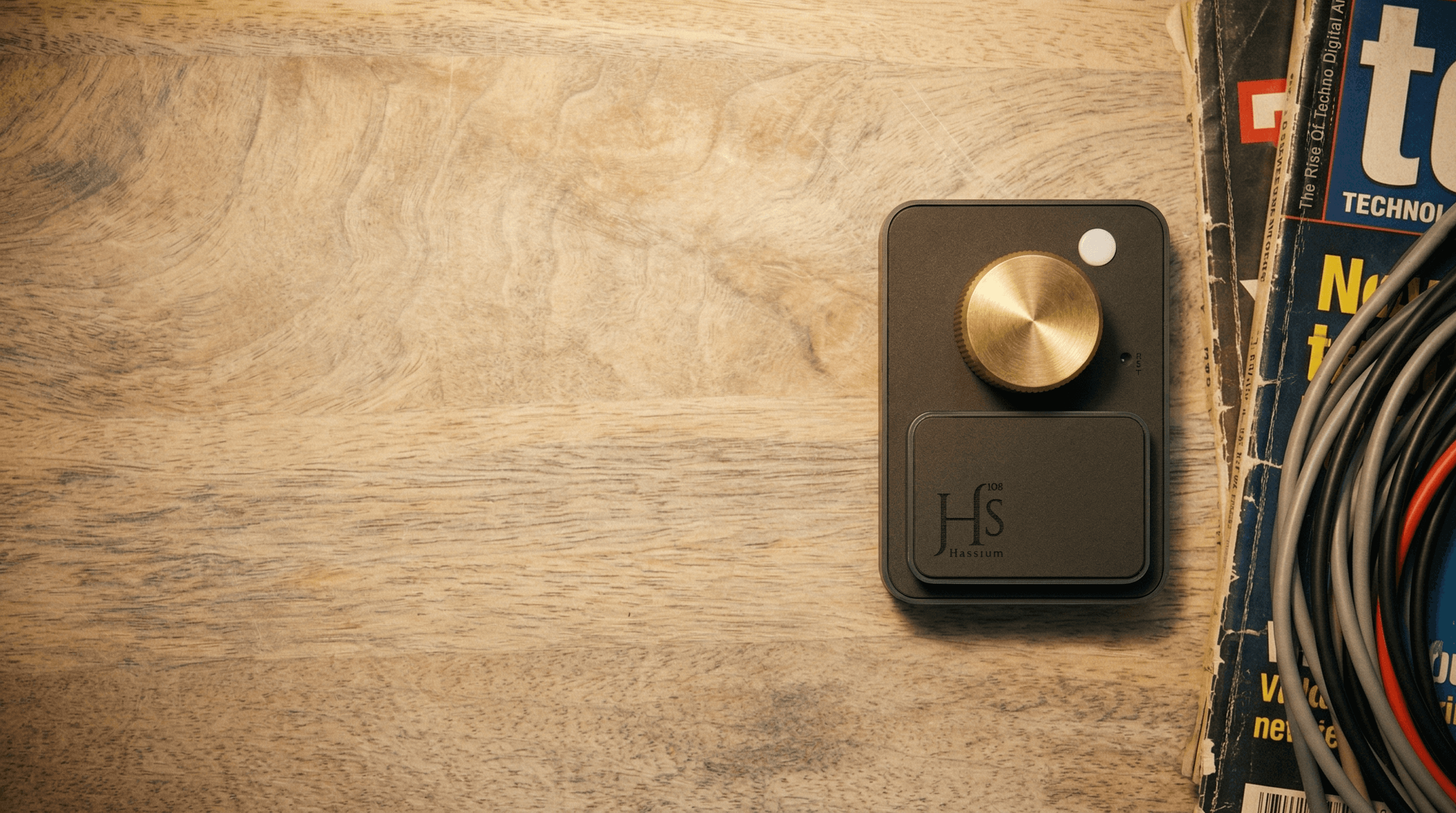
For desk setups
Control music and system volume without breaking focus. Customize it to any keyboard shortcut—copy, paste, delete, and more.
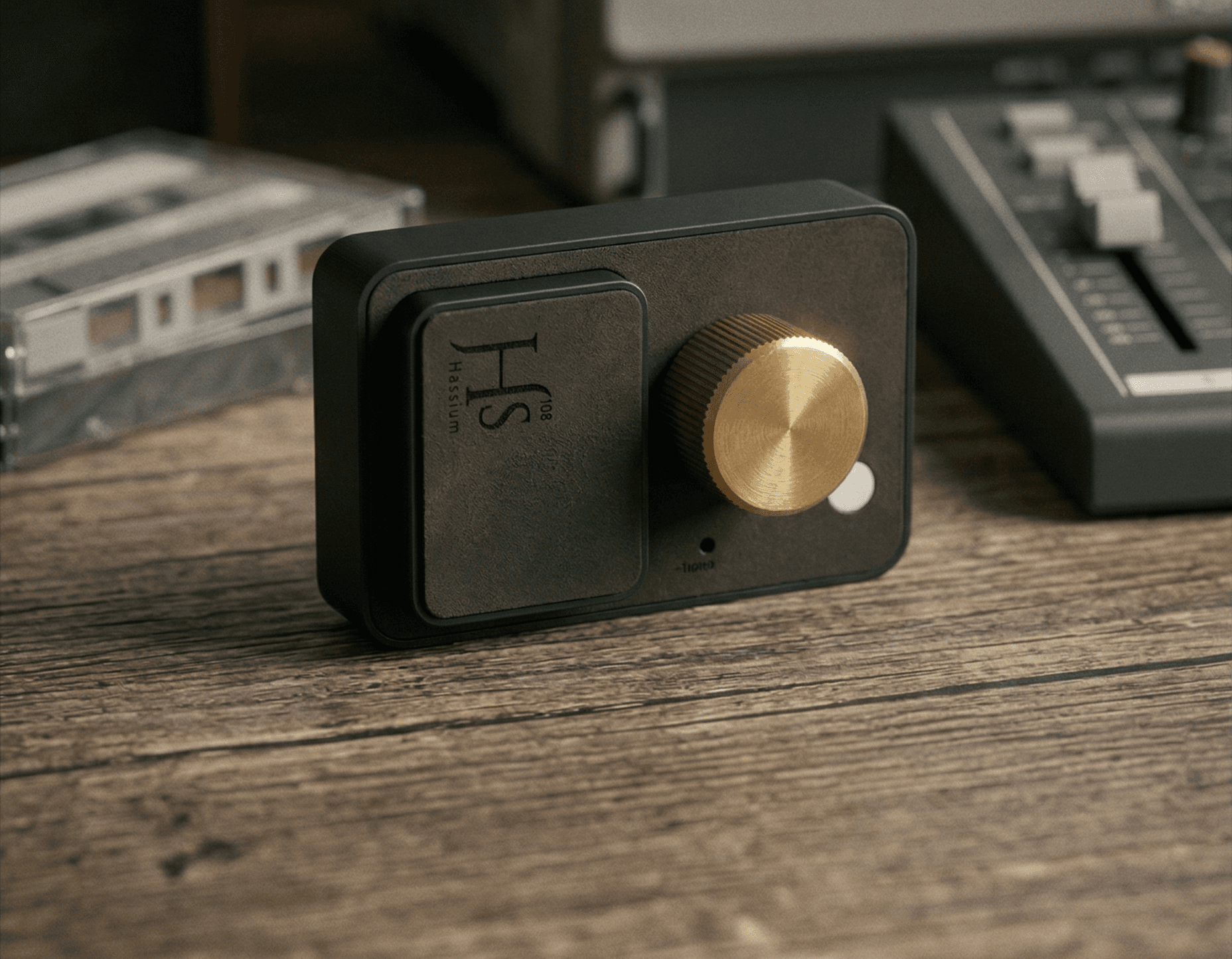
Control volume, play/pause, and media shortcuts without touching your screen. Made in small batches with machined brass and engraved leather.
Works with: iOS, Android, iPad, MAC, PC, Linux, Windows, Google TVs.
Early sales priceRs. 2,990Free shipping across India
Buy now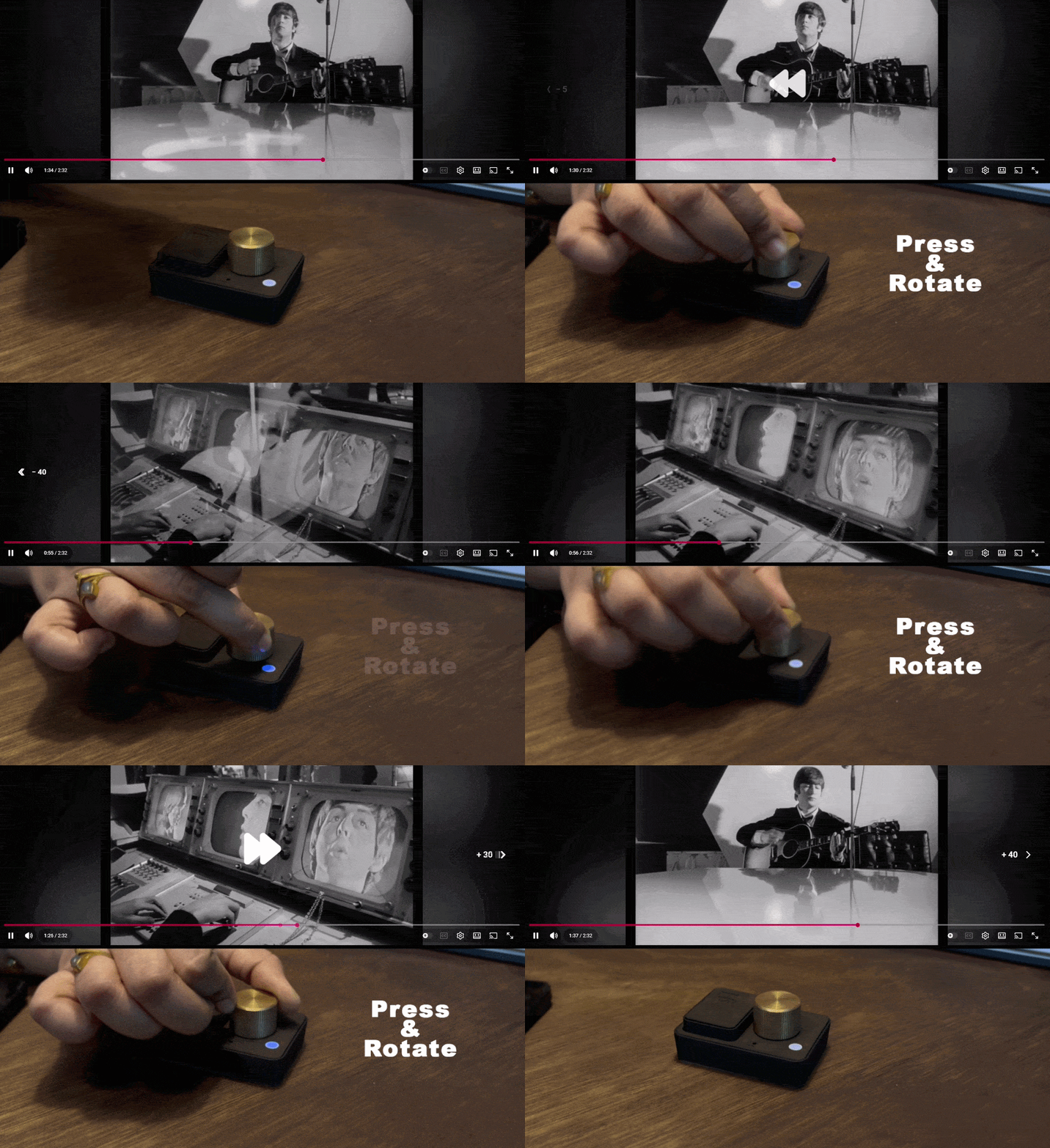
Hold the knob down and rotate to move through long videos or music without hunting for a tiny on-screen timeline.
Scrub forward or back with one continuous gesture.
Works naturally for video playback, music, and track navigation.
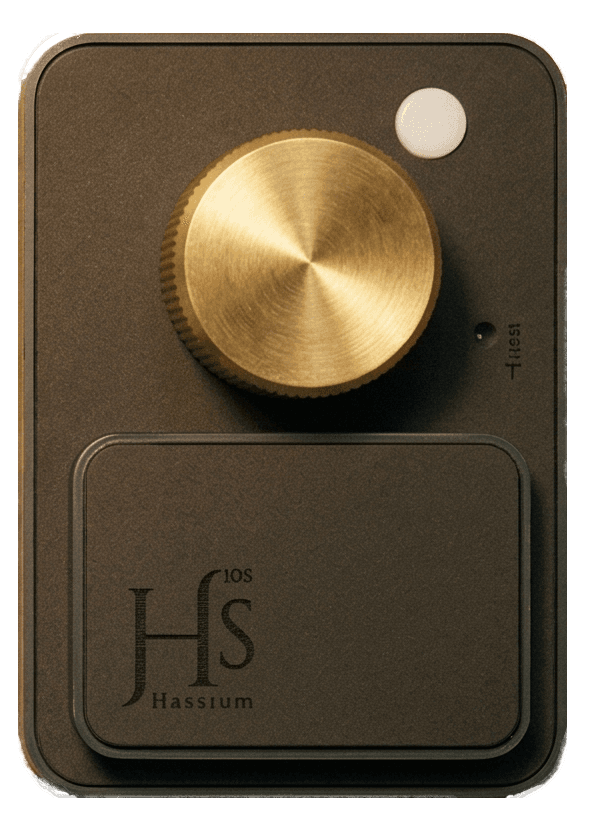
A weighty knob with an engraved leather top keeps the feel smooth and precise.
Pairs once, then snaps back to your device so you just turn and go.
Volume, play/pause, track skipping, and press+turn scrubbing in one object.
Map any gesture to copy, paste, delete, or any leybopard shortcut that aids your workflow.
Clockwise to raise, counter-clockwise to lower.
Single press to toggle.
Double press to skip, triple to go back.
Move through audio or video with a press and twist.
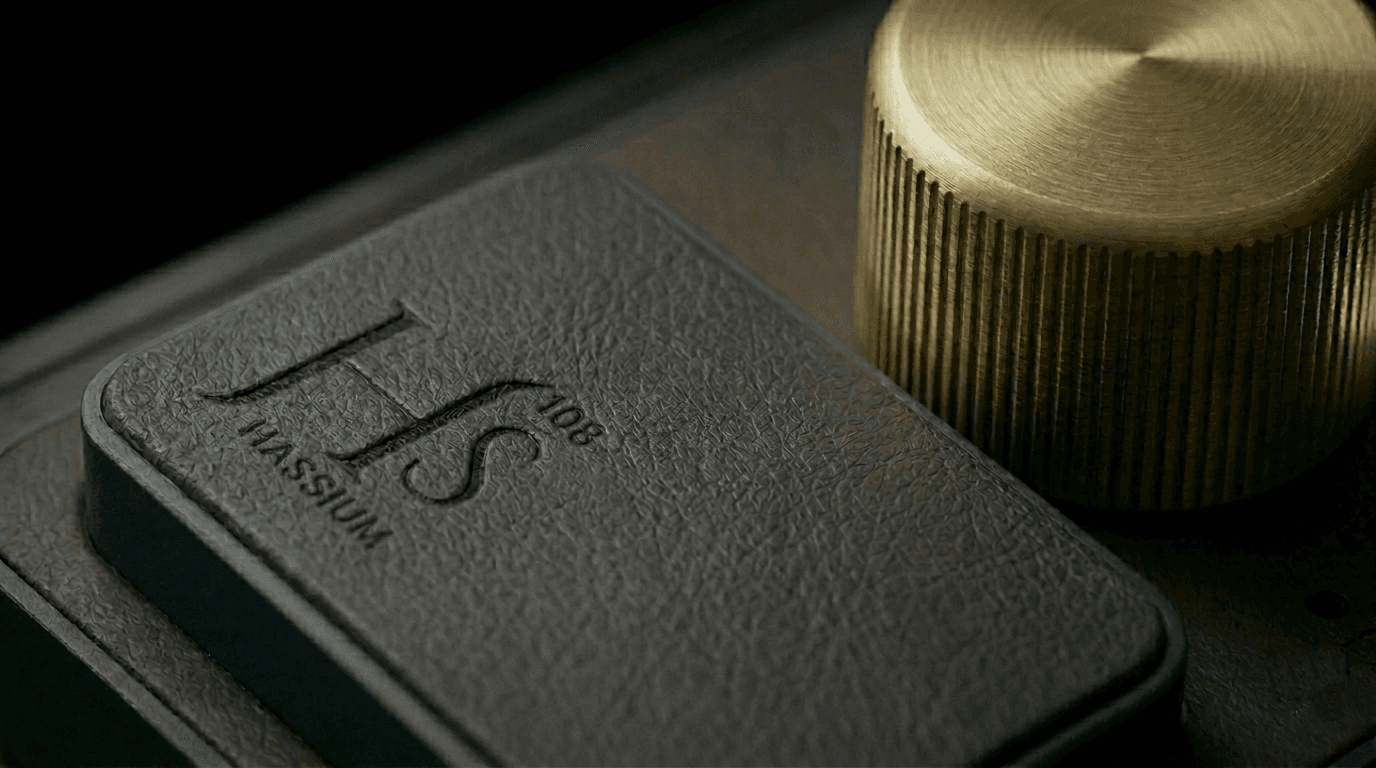
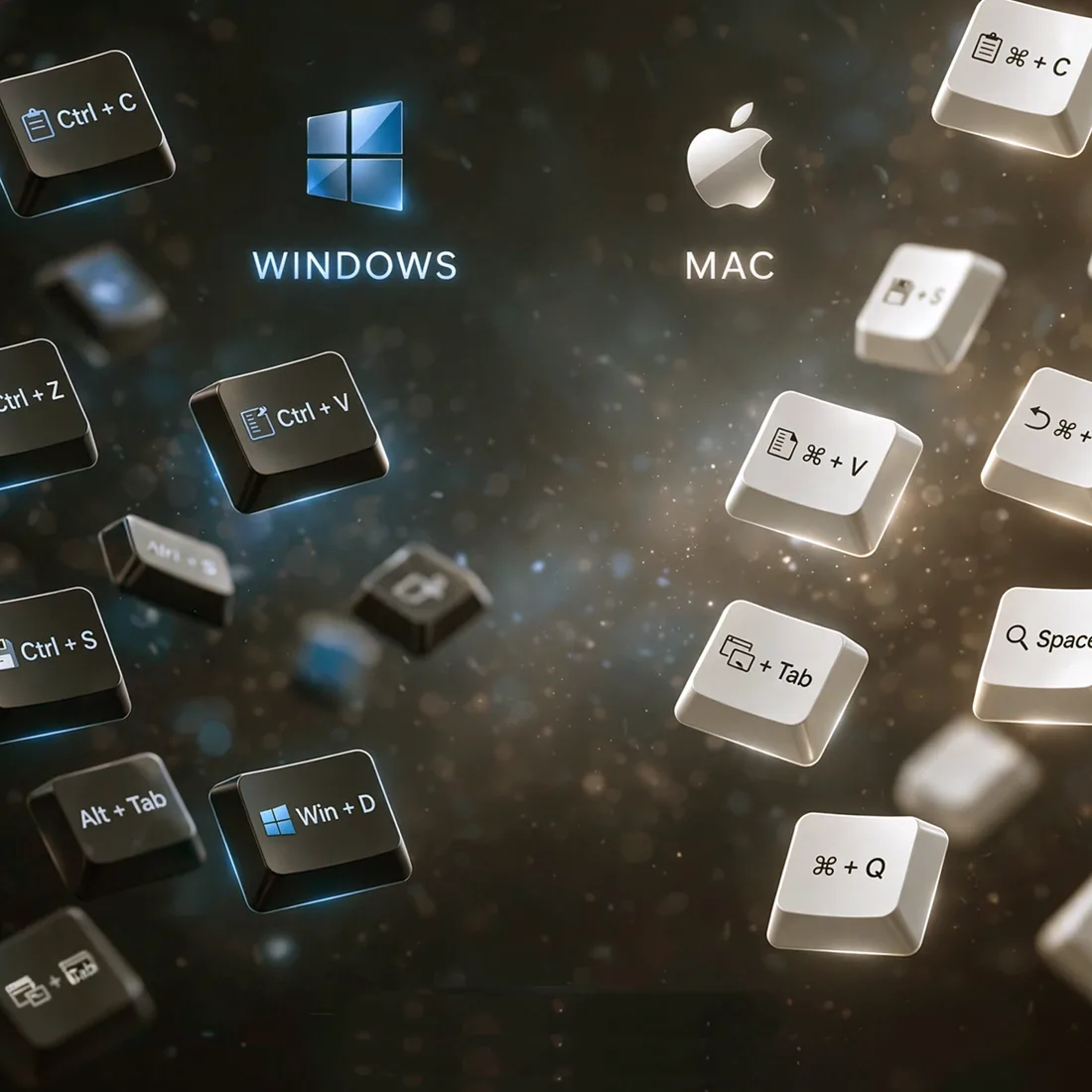
Turn, press, double press, triple press, or press-and-turn can be mapped to keyboard shortcuts for your workflow. Use it for copy, paste, deleting, app switching, playback, or presentation controls without touching your keyboard.
Control music and system volume without breaking focus. Customize it to any keyboard shortcut—copy, paste, delete, and more.
Use it as a tactile controller or remote for media and shortcuts when watching movies or your favorite TV shows.
Use it as a satisfying presentation clicker. Change slides, pause media, and keep meetings moving without reaching for a keyboard.
Keep volume and playback control within reach.
Short clips shared by people trying the Hassium media controller.
No app required.
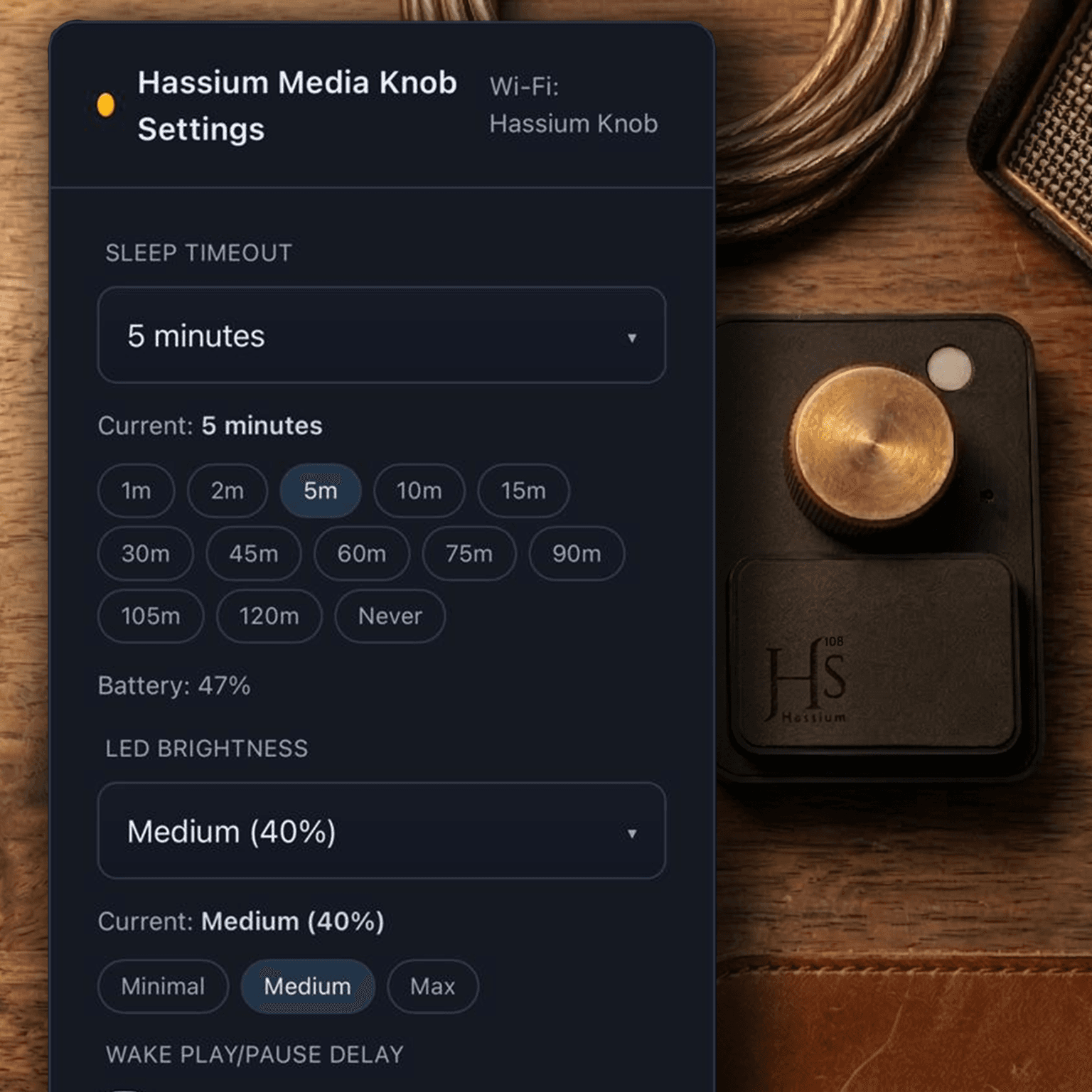
Hold for 3 seconds to open settings, connect to Wi-Fi "Hassium Knob", then set sleep timeout, wake delay, LED brightness, and charging LED behavior.
Inside Advanced settings/Key mapping, you can remap single, double, triple press and turn actions to match your workflow.
Lasts up to 7 days on medium use.
With sleep timeout set to 2 minutes, HS knob can last up to 7 days or more on medium use.
Built-in battery protection keeps charging safe for everyday use.

Quick answers about compatibility, battery, and delivery.
No. It works over Bluetooth. Settings open through the built-in Wi-Fi page.
Yes, it works with most modern devices that support Bluetooth keyboard/media controls.
Up to 7 days on medium use, depending on sleep settings.
Usually within 3 days. Delivery usually takes 4–6 days after shipping.